
(For FSAs from the Faculty of Arts, Faculty of Education, Faculty of Engineering, Faculty of Law, Faculty of Science, Faculty of Social Sciences, School of Computing and Data Science and School of Innovation)
Find Your Advisees
You can view your advisees via the SIS with just a few steps:
- Log in HKU Portal
- On the collapsable menu on the left, click “Student Information System (SIS)” (see the screen capture here)
- Click “Student Center” then “Find your adviser”
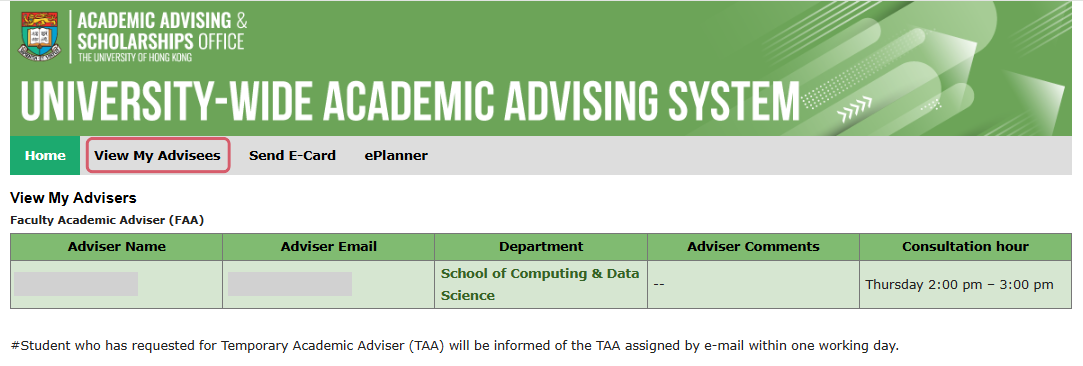
- Click “View My Advisees” and locate all your advisees
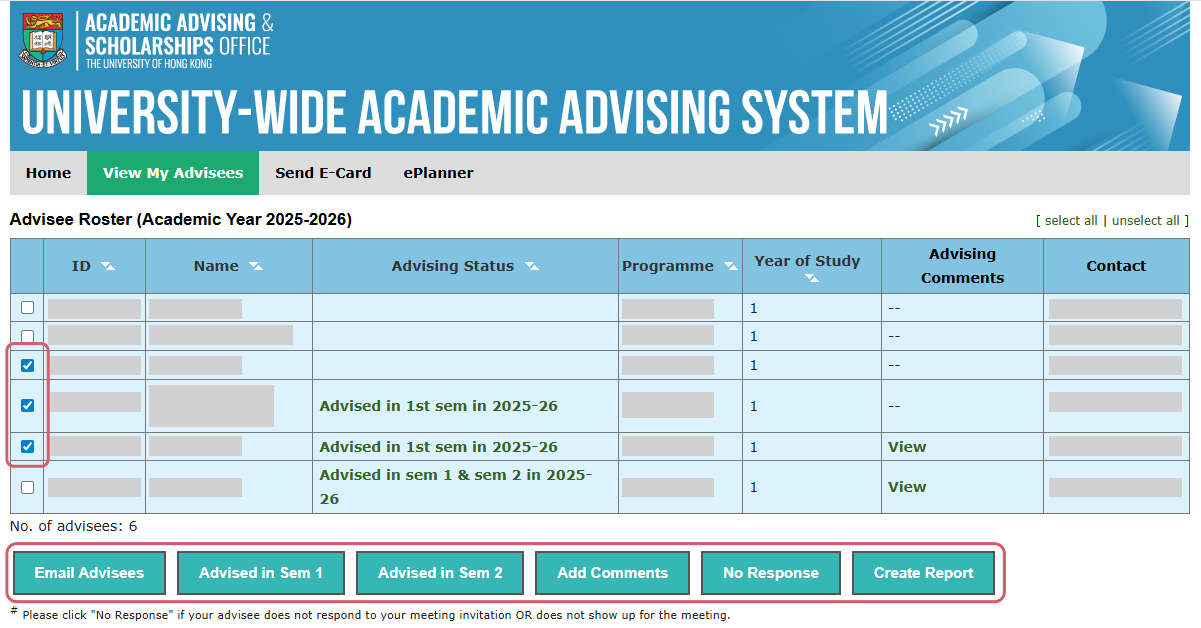
You may use send bulk emails to your advisees, make record, enter brief notes, report “No-response” advisees and submit report to the Faculty.
Click the checkboxes next to your advisees’ names to perform an action.